‘ Come and let us call our children and your children, our women and your women, ourselves and yourselves.. ”
Quran – (3:61)
Eid-e-Mubahilah – 24 Dhu l-Hijja

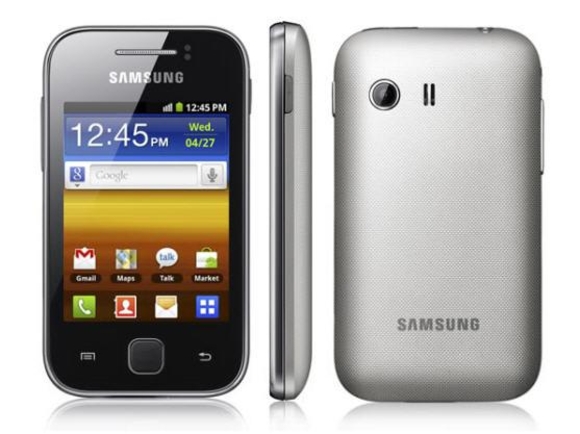
It seems that Google have taken a good step in providing native support for capturing screenshots. But the main thing is that you must be knowing the correct key combination. There are different key combinations for different phones.
Let’s not make the process complicated. Here is the process:
The home key is that big button in the middle. The screenshots are saved in PNG format. You will need to try this key combination for some 2-3 times. It may happen that first time you may not be successful. But keep trying. It’s somewhat tricky.

Sharing screenshots is pretty fun, especially when you receive a fun message or see something hilarious on your smartphone. Screenshots can also be pretty useful, especially on a device like the Galaxy Nexus.
What’s that ??
You don’t know how to take a screenshot ??
No problem !!
Our quick guide below will have you snapping screening in no time. It’s darn easy.
Anyway, to start taking screenshots on the Galaxy Nexus, just follow these easy steps:
Now head on out and start snapping some awesome screenshots to share.