
Posts Tagged ‘Oracle DBA’

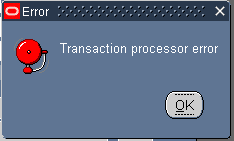
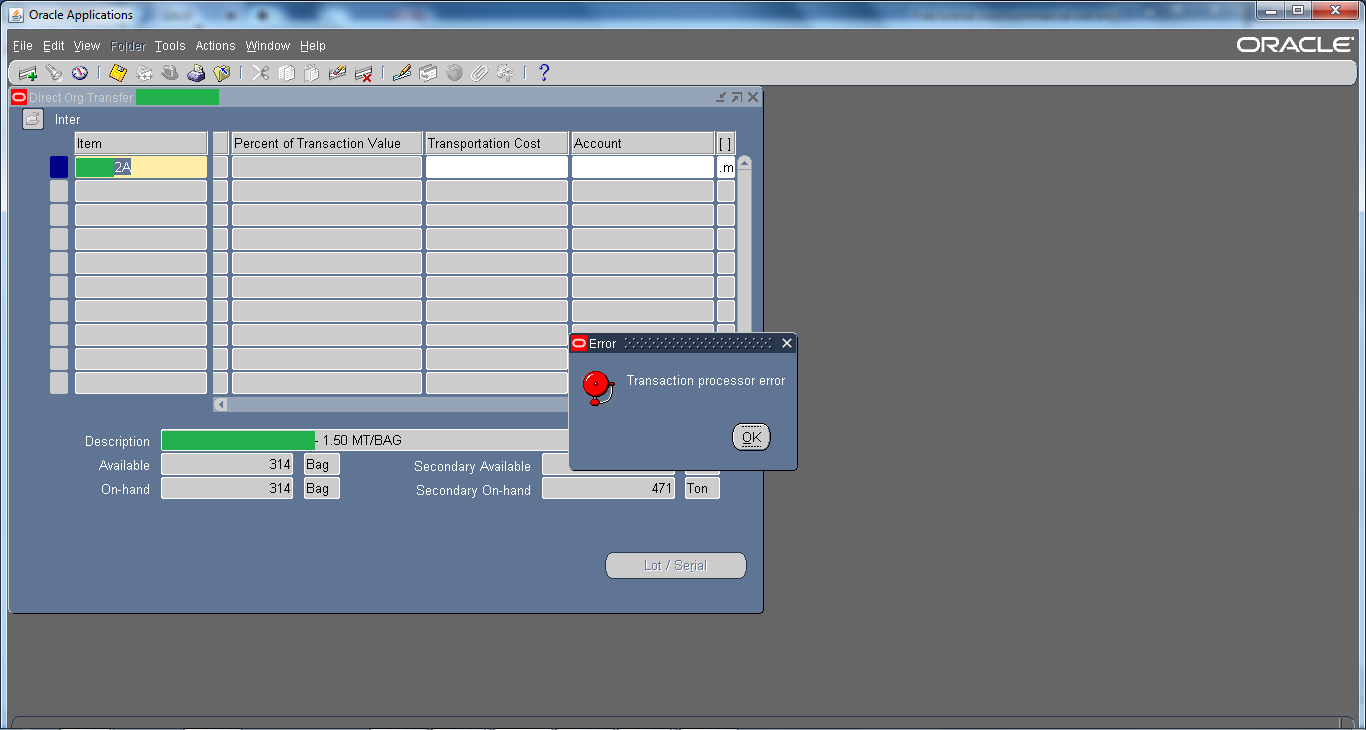
Error : Transaction Processor error

July 28th, 2015, posted in Oracle
Share

Oracle Application Error :: Error : Transaction Processor error,Oracle Application Error ,Error : Transaction Processor error,Oracle Application ,Error ,Transaction Processor error,Transaction Processor ,Oracle Application DBA,Oracle , Application DBA,Oracle DBA, Apps,Oracle APPs DBA,APPS DBA,Oracle Application r12,Oracle EBS R12,oracle DBA,Oracle DBA error,ORacle application error

This is one of the generic error and there could be multiple reasons, even a bug.  Mostly and commonly it is seen in Inventory Module. For example, while you perform Subinventory transfer or Mis transaction then that through “Transaction processor error” or when you perform Inter-Organization Transfer then that through “Transaction processor error“.
Oracle Application Error :: Error : Transaction Processor error,Oracle Application Error ,Error : Transaction Processor error,Oracle Application ,Error ,Transaction Processor error,Transaction Processor ,Oracle Application DBA,Oracle , Application DBA,Oracle DBA, Apps,Oracle APPs DBA,APPS DBA,Oracle Application r12,Oracle EBS R12,oracle DBA,Oracle DBA error,ORacle application error

Solutions :

1 ) For starters you can check Tablespace, sometimes they are full due to which this kind of issue may occur.

2 ) Check Managers from System Administrator Responsibility

3 ) Check is ‘Receiving Transaction Manager‘ from system administrator responsibility is working or not.

4 ) Check RCV: Processing Mode profile option to immidiate and then restart+activate ‘Receiving Transaction Manager‘ from system administrator responsibility

5 ) Shutdown the Oracle Application & Oracle Database. After doing that start the Database again and once the database is started wait for 5 mins and than start the Application again.


Try all these solutions one by one & hopefully if might resolve the issue. But do it on your own risk !! 😀
Share

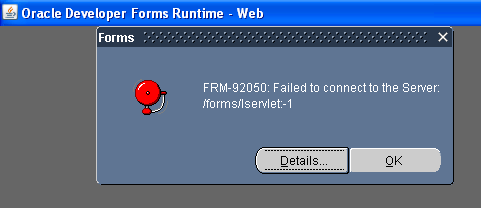
FRM-92050 failed to connect to Server /forms/servlet -1 Applet

July 7th, 2015, posted in Oracle
Share

FRM-92050 failed to connect to Server /forms/servlet -1 Applet, Oracle Error,Oracle Application Error,Application Error,Oracle Application R12 Error,Oracle Application 11g Error,Oracle Application 11g ,Oracle Application R12,Oracle Database 11g Error,Oracle Application, Oracle Database ,Oracle Database DBA,Oracle Application DBA, Oracle Dba,Oracle APPs DBA,failed to connect to Server,failed to connect to forms,failed to connect ,Oracle


Solution :

MSIE 8 —>Tools > Internet Options >
Security Settings –>Custom Level >
Scroll down to entry “Enable XSS Filter” > Select Disable XSS Filter button.


Share

Check Oracle Archived Redo Log

May 14th, 2015, posted in Oracle Queries
Share

Archive logging is essential for production databases where the loss of a transaction might be fatal. It is generally considered unnecessary in development and test environments.

To check if the ARCHIVELOG mode is enabled

  1. Log into Oracle server as an Oracle user with SYSDBA equivalent privileges.
  2. Enter the following command at the SQL*Plus prompt:
    ARCHIVE LOG LIST;


Check Oracle Archived Redo Log,Check Oracle Archived ,Redo Log,Check Oracle Archiving,Check Oracle  Redo Log,Redo Lob,Oracle Archived Redo,Oracle,Oracle DBA,Oracle DBA Task,Oracle Archiving,Oracle Archiving Log

To see the current archiving mode, query the V$DATABASE view:

SELECT LOG_MODE FROM SYS.V$DATABASE;

LOG_MODE
------------
ARCHIVELOG


The SQL*Plus command ARCHIVE LOG LIST displays archiving information for the connected instance. For example:

SQL> ARCHIVE LOG LIST

Database log mode              Archive Mode
Automatic archival             Enabled
Archive destination            D:oracleoradataIDDB2archive
Oldest online log sequence     11160
Next log sequence to archive   11163
Current log sequence           11163

This display tells you all the necessary information regarding the archived redo log settings for the current instance:

  • The database is currently operating in ARCHIVELOG mode.
  • Automatic archiving is enabled.
  • The archived redo log destination is D:oracleoradataIDDB2archive.
  • The oldest filled redo log group has a sequence number of 11160.
  • The next filled redo log group to archive has a sequence number of 11163.
  • The current redo log file has a sequence number of 11163.


You can also run this UNIX/Linux/Solairs command to see if you are running in archivelog mode.  If you are in ARCHIVELOG mode, you will see rows returned by this ps command:

$ ps -ef|grep -i _arc

——————————————————————-

Links :
http://www.dba-oracle.com/t_check_if_running_in_archivelog_mode.htm
http://docs.oracle.com/cd/B28359_01/server.111/b28310/archredo008.htm#ADMIN11355
http://psoug.org/reference/archivelog.html
https://support.ca.com/cadocs/0/CA%20ARCserve%20%20Backup%20r16-ENU/Bookshelf_Files/HTML/oraclewn/index.htm?toc.htm?ow_check_archivelog_mode.htm

Share

Query to find sessions generating more Archives

April 27th, 2015, posted in Oracle Queries
Share

This Query is to find the session that is generating more Archives.


select to_char(sysdate,'hh24:mi'), username, program , a.sid, a.serial#, b.name, c.value
from v$session a, v$statname b, v$sesstat c
where b.STATISTIC# =c.STATISTIC#
and c.sid=a.sid and b.name like 'redo%'
order by value;
Share

LOCK TABLES and UNLOCK TABLES Syntax For ORACLE

December 11th, 2013, posted in Oracle Queries
Share
Identify locked objects :

select object_name, v.session_id SID, v.oracle_username,type,lmode,request
       from v$locked_object v, v$lock l, dba_objects o
       where l.sid=v.session_id
       and v.object_id=o.object_id
       and l.block > 0;

Identify who locks whom :

select
      (select osuser from v$session where sid=a.sid) blocker,
      a.sid,
      (select serial# from v$session where sid=a.sid) serial#,
      ' blocks ',
      (select osuser from v$session where sid=b.sid) blockee,
      b.sid, c.username username
    from v$lock a, v$lock b, v$session c
    where a.block = 1
    and b.request > 0
    and a.id1 = b.id1
    and a.id2 = b.id2
    and b.sid = c.sid

Kill session :

SQL> alter system kill session 'sid,serial#';


*********************************************************************************************************************
Also Check : http://aliimmam.com/locking-and-unlocking-tables-in-oracle/
Also Check : http://aliimmam.com/forms-could-not-reserve-record-2-tries-keep-trying/
Note : Please not do make backups before using these queries and also confirm them yourself or by aother means as well.

*********************************************************************************************************************

Share