Archive for the ‘TEChNoLoGY’ Category

How to Make a Portable Hard Drive Bootable

June 3rd, 2011, posted in TEChNoLoGY
Share

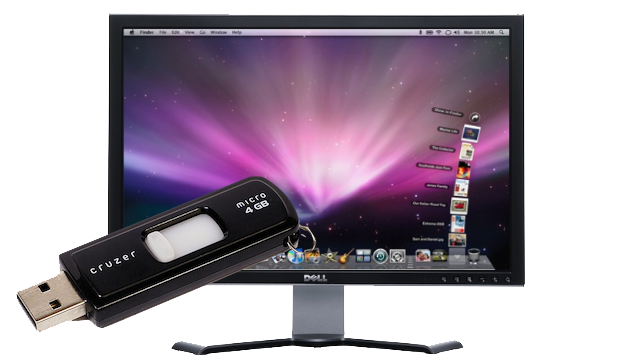
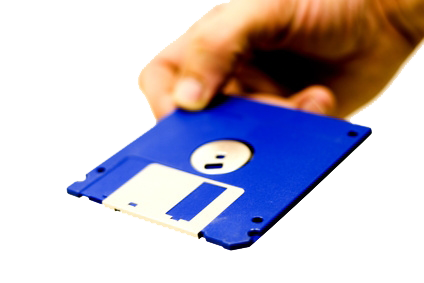
The operating system on some computers can crash, requiring an external source for the operating system to be used to recover data and repair the internal hard drive. Creating a bootable portable drive using an external hard drive or USB thumb drive is a solution to maintain a convenient recovery system. A bootable portable drive can also be used to run a different operating system on a computer.

Instructions :

STEP #1 :
Plug the USB drive into your computer’s USB port.
Download and install the HP USB Disk Storage Format Tool program (see Resources section below for link). Then launch the program, select your USB drive and format the USB drive in NTFS format.
If desired, type the name of your USB device in the “Name” field.
Exit the utility program when formatting is complete.

STEP #2:
Download and install the HP USB Key Utility program (see Resources section below for link).
Open a window for your USB drive by selecting the drive under “My Computer” located in your Start menu.

STEP #3:
Insert the Windows installation disk into your CD/DVD drive.
Launch the HP USB Key Utility program and click the “Next” button to begin the wizard.
Select the drive letter from the drop-down menu for your CD/DVD drive.
Click the “Next” button.

STEP #4:
Select the radio button next to the option “Create New or Replace Existing Configuration” and click the “Next” button.
Select the option “Create New Filesystem” and click the “Next” button.
Select the option “With Partition” and click the “Next” button.
Select the option “HP Firmware Flash Package” and click the “Next” button.
Click the “Finish” button when the Completion screen is displayed to exit the utility.

STEP #5:
Launch your Internet Explorer application and type “c:” in the address bar.
Select “Folder Options” under “Tools” in the top menu bar. Select the “View” tab and click the option for “Show Hidden Files and Folders” in the left frame.
Deselect (i.e., uncheck) the boxes next to “Hide Extensions for Known File Types” and “Hide Protected Operating System Files.”
Click the “OK” button.

STEP #6:
Select the following files in the window by holding down the “Control” (CTRL) key while clicking:
boot.ini
ntldr
ntdetect
Drag these files to the open window for your USB drive (they will copy to the drive).

STEP #7:
Safely eject your USB drive and remove your Windows installation disk from your CD/DVD drive.
Tips & Warnings:
Make sure that the computers can recognize a USB drive as a start-up device (i.e., older computers reset device recognition as part of their BIOS during start-up).

Share

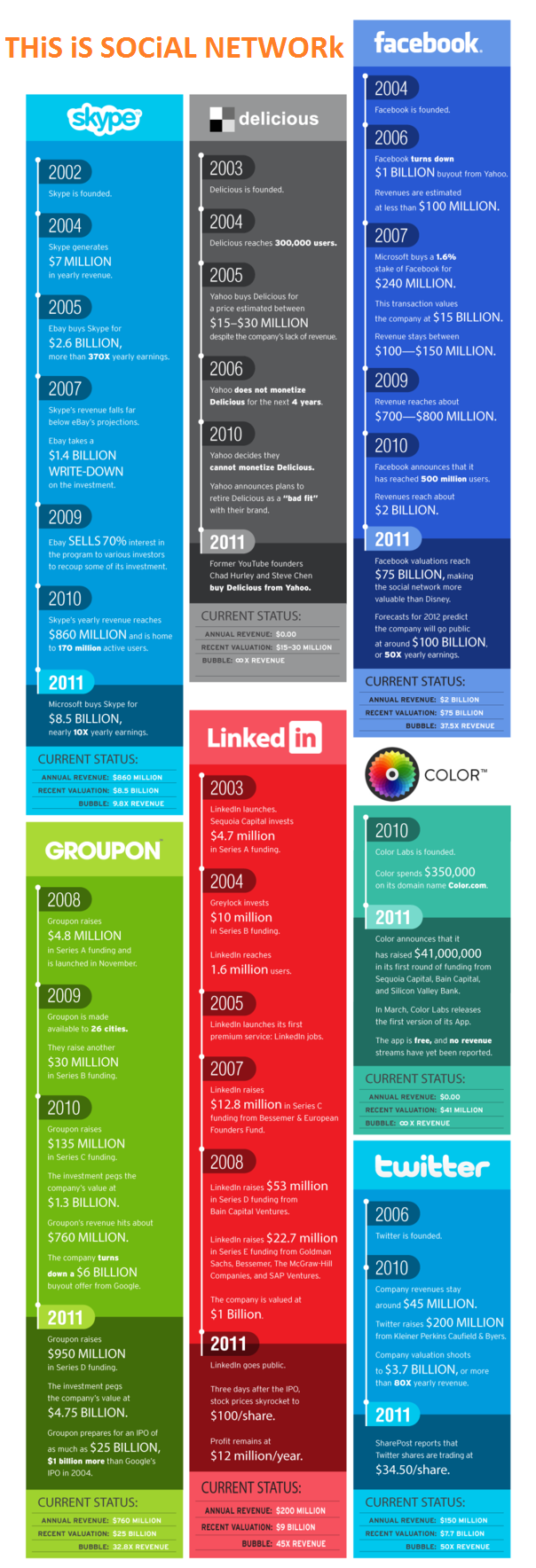
now dis is wht i call SOCiAL NEtWORK… ; ]

June 2nd, 2011, posted in SOCiAL NEtWORkS, TEChNoLoGY
Share

Advice for small businesses on using social networking sites like Facebook and LinkedIn, and how to integrate these tools into the marketing and recruiting efforts of your company…

Consider this: It wasn’t until 1997 that the Internet reached 50 million users in the United States. Facebook gained over 100 million users in the U.S. from January 2009 to January 2010, marking a 145 percent growth rate within one year, according to research by digital marketing agency iStrategy Labs. If you’re a business owner that hasn’t embraced social media networking as a major component of your success strategy, it’s due time to hop onboard.

“When you’ve got 300 million people on Facebook, that’s a huge business watering hole,” says Lon Safko, social media expert and co-author of The Social Media Bible: Tactics, Tools, and Strategies for Business Success, of the site’s global reach. “The profile is like an index to your company.”

While Facebook has become the most popular social media site, there are plenty of others for your company to explore. LinkedIn, for example, houses 55 million professionals seeking jobs, employees, or basic business or networking opportunities. MySpace, which allows users to tinker with music, themes, and HTML code, is targeted toward youth and teens. All of these sites have one primary thing in common: the profile.

The user profile is generally what distinguishes social networking sites from other social media platforms. It helps set the stage for building relationships with people who share the same interests, activities, or personal contacts, as opposed to primarily disseminating or digesting information feeds. This also means social networks enable companies to invite audiences to get to know its brand in a way that traditional forms of marketing or advertising can’t.

But what, exactly, are the methods that businesses should use to effectively leverage the burgeoning userbase of these sites as a tool to grow their companies?

n now dis is wht i call SOCiAL NEtWORK… ; ]

Share

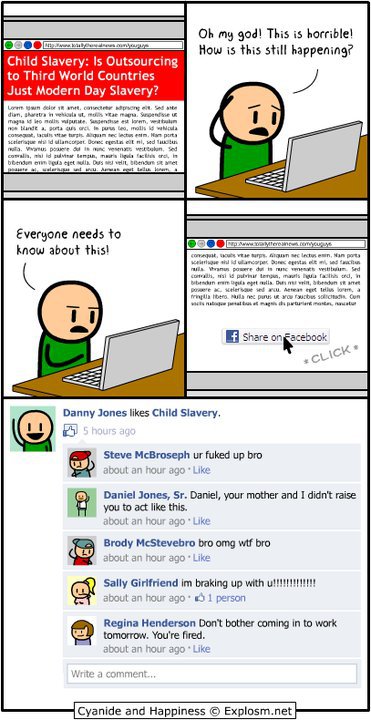
FACEBoOK LiKE

May 30th, 2011, posted in COMiCS, SOCiAL NEtWORkS
Share

Share

#ff on Twitter

May 28th, 2011, posted in SOCiAL NEtWORkS
Share

Have you seen the #ff hashtag today on your Twitter friends’ tweets? The #ff hashtag stands for “Follow Friday” and is a signal of your support and recommendation of fellow Twitter users to your friends!

Make sure to #ff your favorite tweeters today and don’t forget to follow @imguide today for the latest on IM client news and more…

Share