
Posts Tagged ‘Oracle Application DBA’

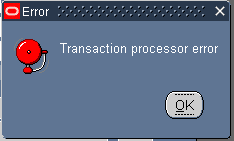
Error : Transaction Processor error

July 28th, 2015, posted in Oracle
Share

Oracle Application Error :: Error : Transaction Processor error,Oracle Application Error ,Error : Transaction Processor error,Oracle Application ,Error ,Transaction Processor error,Transaction Processor ,Oracle Application DBA,Oracle , Application DBA,Oracle DBA, Apps,Oracle APPs DBA,APPS DBA,Oracle Application r12,Oracle EBS R12,oracle DBA,Oracle DBA error,ORacle application error

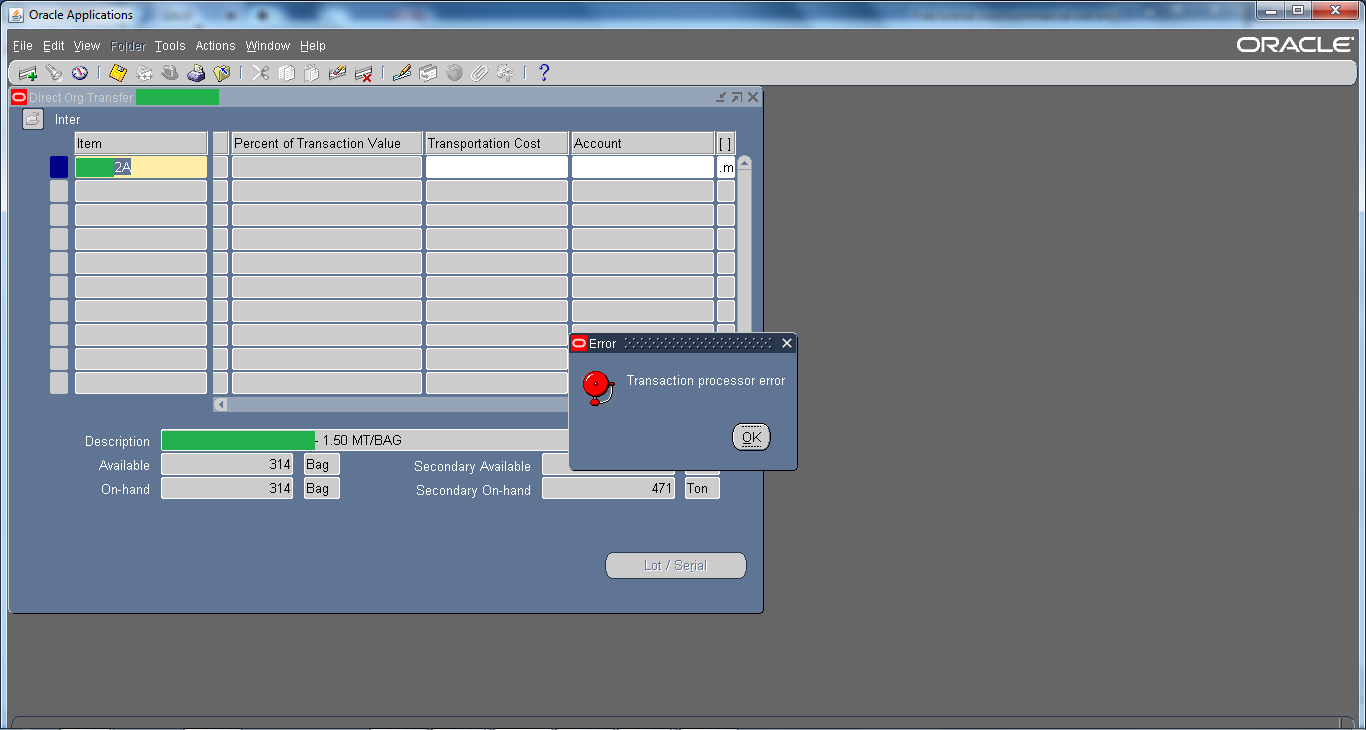
This is one of the generic error and there could be multiple reasons, even a bug.  Mostly and commonly it is seen in Inventory Module. For example, while you perform Subinventory transfer or Mis transaction then that through “Transaction processor error” or when you perform Inter-Organization Transfer then that through “Transaction processor error“.
Oracle Application Error :: Error : Transaction Processor error,Oracle Application Error ,Error : Transaction Processor error,Oracle Application ,Error ,Transaction Processor error,Transaction Processor ,Oracle Application DBA,Oracle , Application DBA,Oracle DBA, Apps,Oracle APPs DBA,APPS DBA,Oracle Application r12,Oracle EBS R12,oracle DBA,Oracle DBA error,ORacle application error

Solutions :

1 ) For starters you can check Tablespace, sometimes they are full due to which this kind of issue may occur.

2 ) Check Managers from System Administrator Responsibility

3 ) Check is ‘Receiving Transaction Manager‘ from system administrator responsibility is working or not.

4 ) Check RCV: Processing Mode profile option to immidiate and then restart+activate ‘Receiving Transaction Manager‘ from system administrator responsibility

5 ) Shutdown the Oracle Application & Oracle Database. After doing that start the Database again and once the database is started wait for 5 mins and than start the Application again.


Try all these solutions one by one & hopefully if might resolve the issue. But do it on your own risk !! 😀
Share

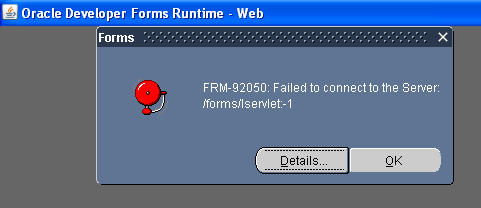
FRM-92050 failed to connect to Server /forms/servlet -1 Applet

July 7th, 2015, posted in Oracle
Share

FRM-92050 failed to connect to Server /forms/servlet -1 Applet, Oracle Error,Oracle Application Error,Application Error,Oracle Application R12 Error,Oracle Application 11g Error,Oracle Application 11g ,Oracle Application R12,Oracle Database 11g Error,Oracle Application, Oracle Database ,Oracle Database DBA,Oracle Application DBA, Oracle Dba,Oracle APPs DBA,failed to connect to Server,failed to connect to forms,failed to connect ,Oracle


Solution :

MSIE 8 —>Tools > Internet Options >
Security Settings –>Custom Level >
Scroll down to entry “Enable XSS Filter” > Select Disable XSS Filter button.


Share